Scanfone › Features
Features
Everything Scanfone does, and which parts are free.
Scan
PDF scanner
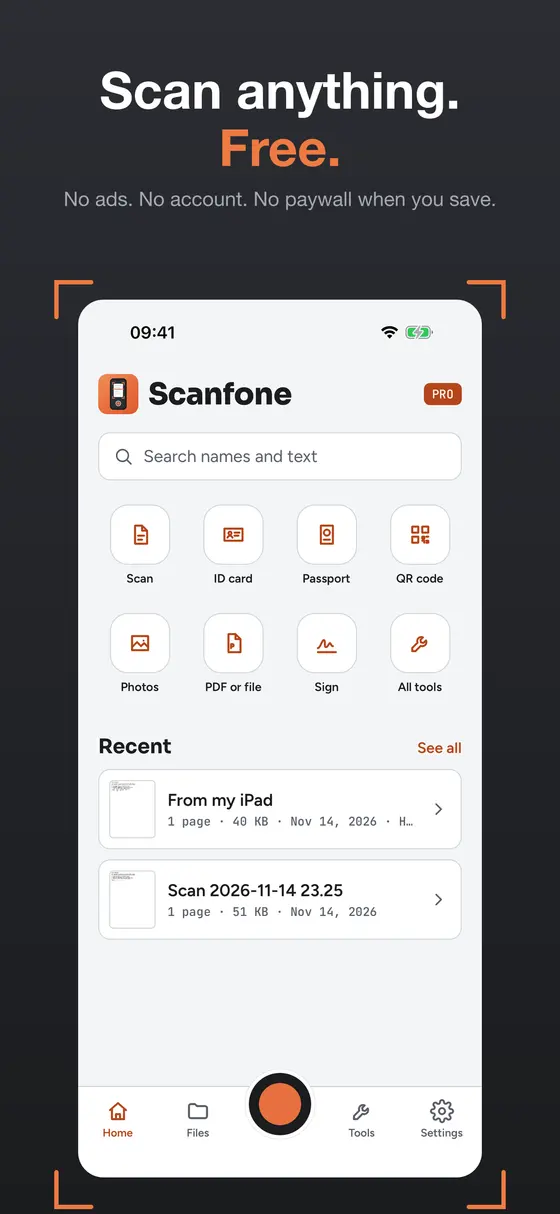
Turn paper into clean, searchable PDFs with your iPhone camera, free and unlimited.
Scan to PDF
Scan paper or import photos and save them as one clean PDF, free on iPhone.
ID card scanner
Scan the front and back of an ID card onto one clean PDF page.
Passport scanner
Scan your passport photo page to a clear, shareable PDF.
QR code scanner
Read QR codes in the same app you use to scan documents, with no ads.
Receipt scanner
Scan receipts into searchable PDFs and find any of them by their text.
Book scanner
Turn book pages into one searchable PDF and copy quotes straight from the scan.
Whiteboard scanner
Capture whiteboards from meetings and lectures as straight, shareable PDFs.
Business card scanner
Scan business cards and find anyone later by name or company.
Edit and sign
Sign a PDF
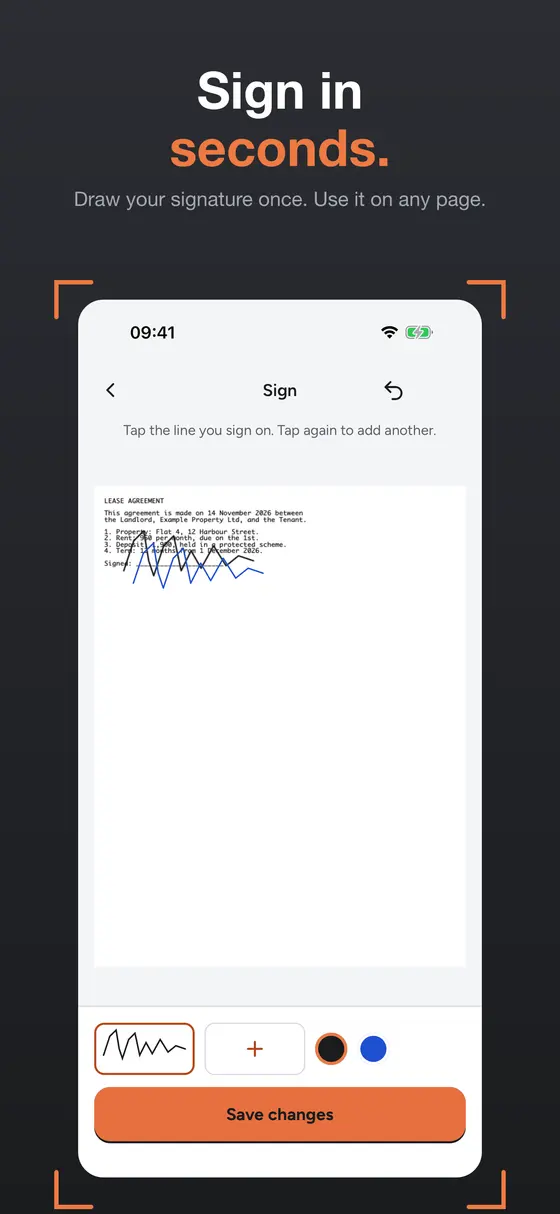
Draw your signature once and reuse it on any PDF, free.
Watermark a PDF
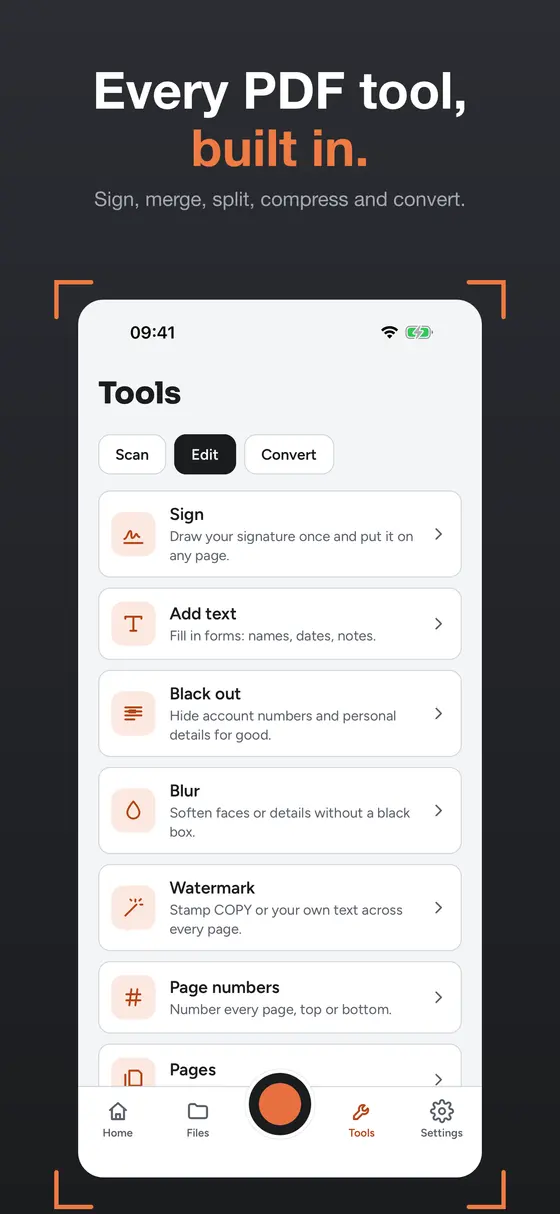
Stamp your own text across a PDF, like "Copy" or "Confidential".
Add page numbers
Number the pages of any PDF on your iPhone, free and without an account.
Redact PDF
Hide account numbers, addresses and other private details before you share a PDF.
Merge PDFs
Combine several PDFs and scans into one document, free.
Split a PDF
Break a long PDF into smaller files and share only what you need.
Compress a PDF
Shrink big scans so they fit through email and upload limits.
Convert
JPG to PDF
Turn photos and JPG images into one clean, searchable PDF on your iPhone.
PDF to JPG
Turn PDF pages into JPG images for messages, slides and upload forms.
PDF to Word
Turn PDFs and scans into editable Word documents, or get the text out for free.
PDF to text
Export scanned and imported PDFs to plain text (TXT) for free.
OCR text recognition
Free on-device OCR that makes scans searchable and lets you copy the text.